Generate relief meshes
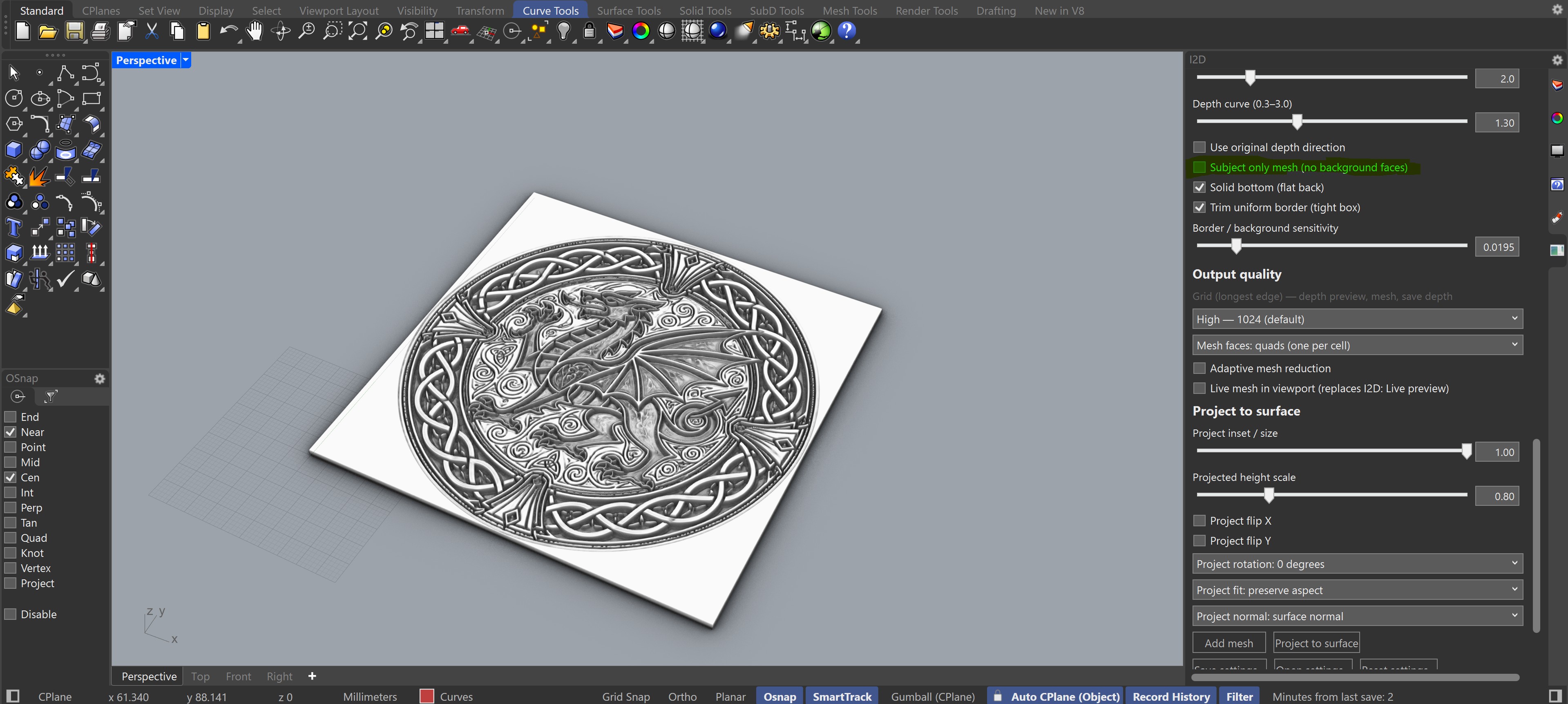
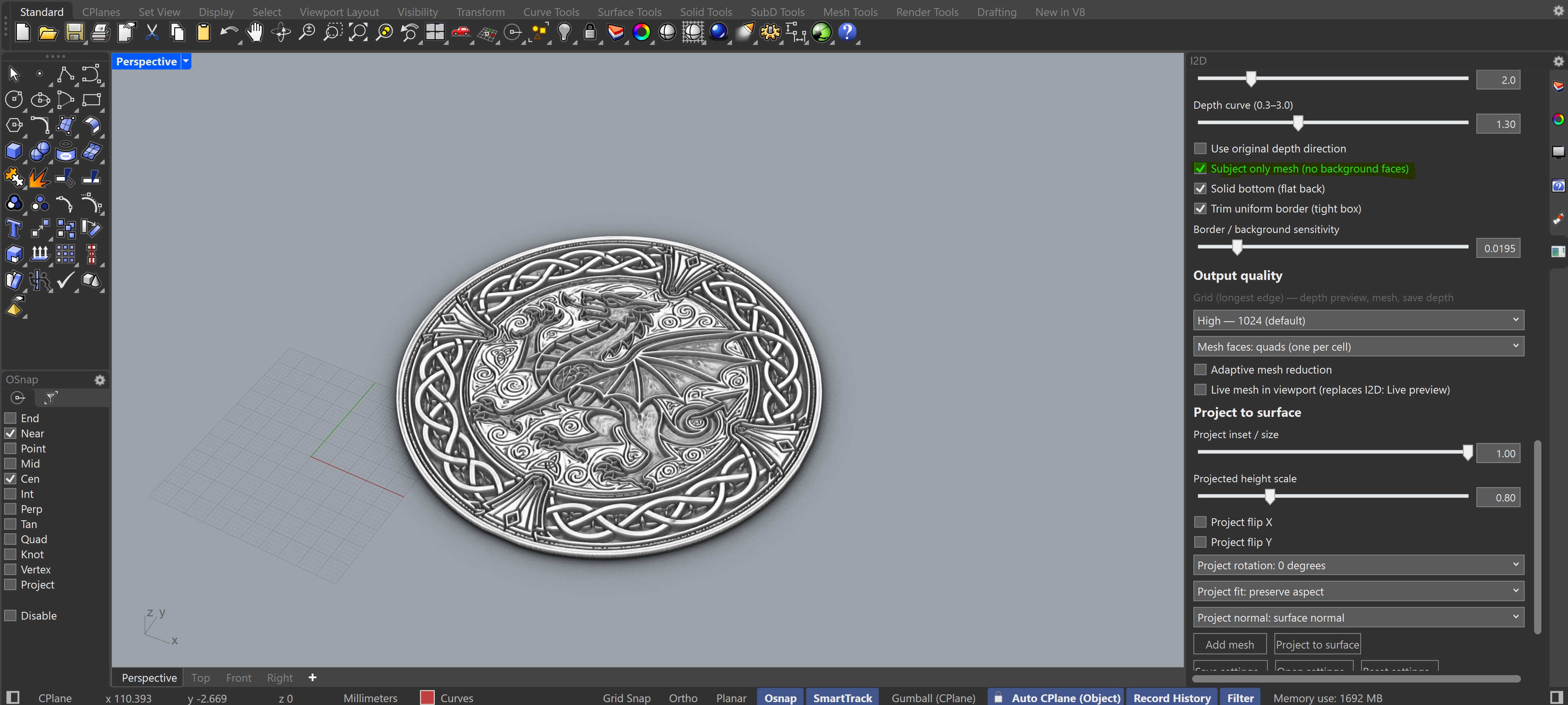
Create flat heightfield meshes from photos, artwork, logos, or grayscale height maps.
Image-to-depth relief mesh generation for Rhino 8
I2D is now completely free — the full plugin with no limitations. Convert photos, artwork, and pre-made depth maps into Rhino mesh reliefs with live previews, bas-relief shaping, depth-map export, and projection onto surfaces or meshes.
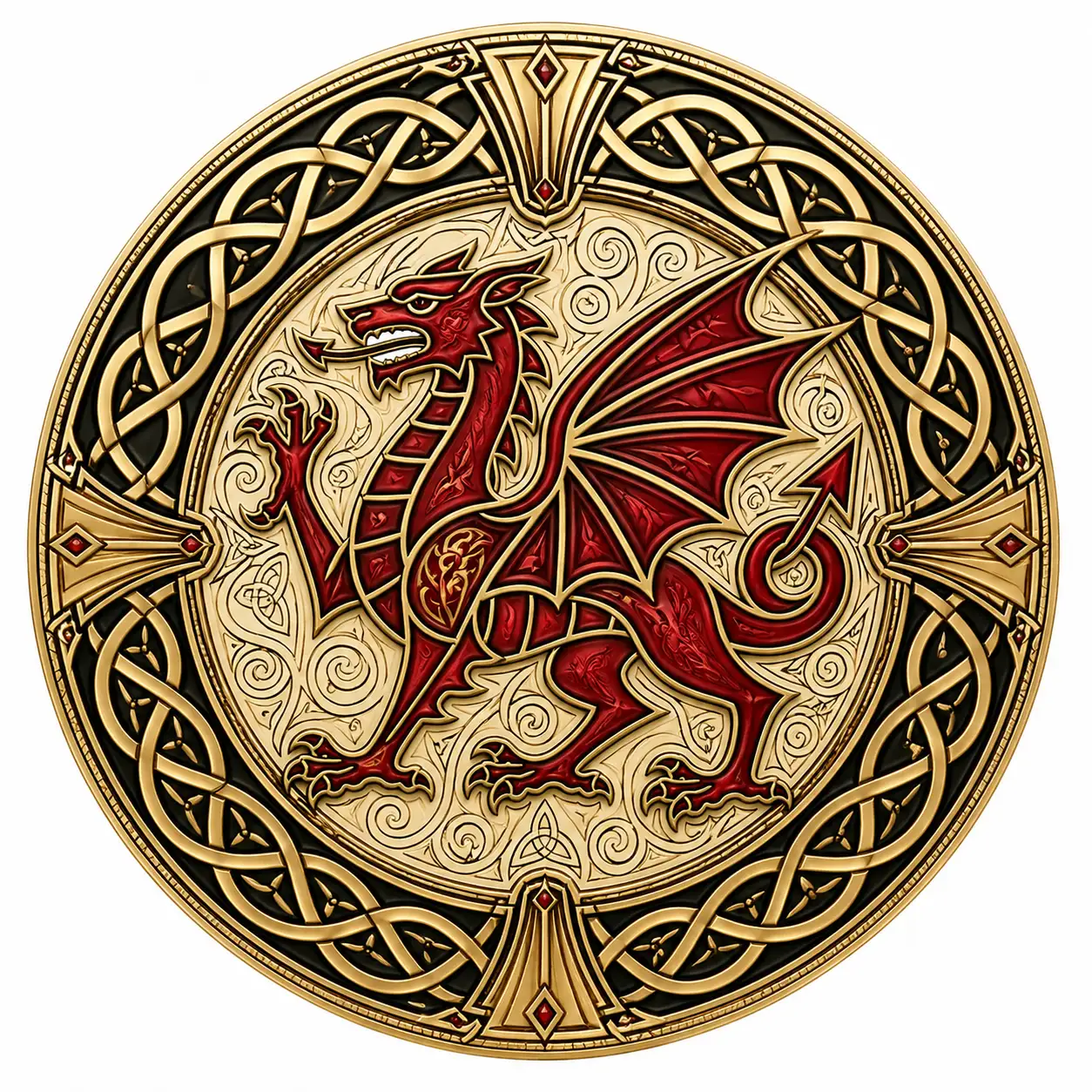
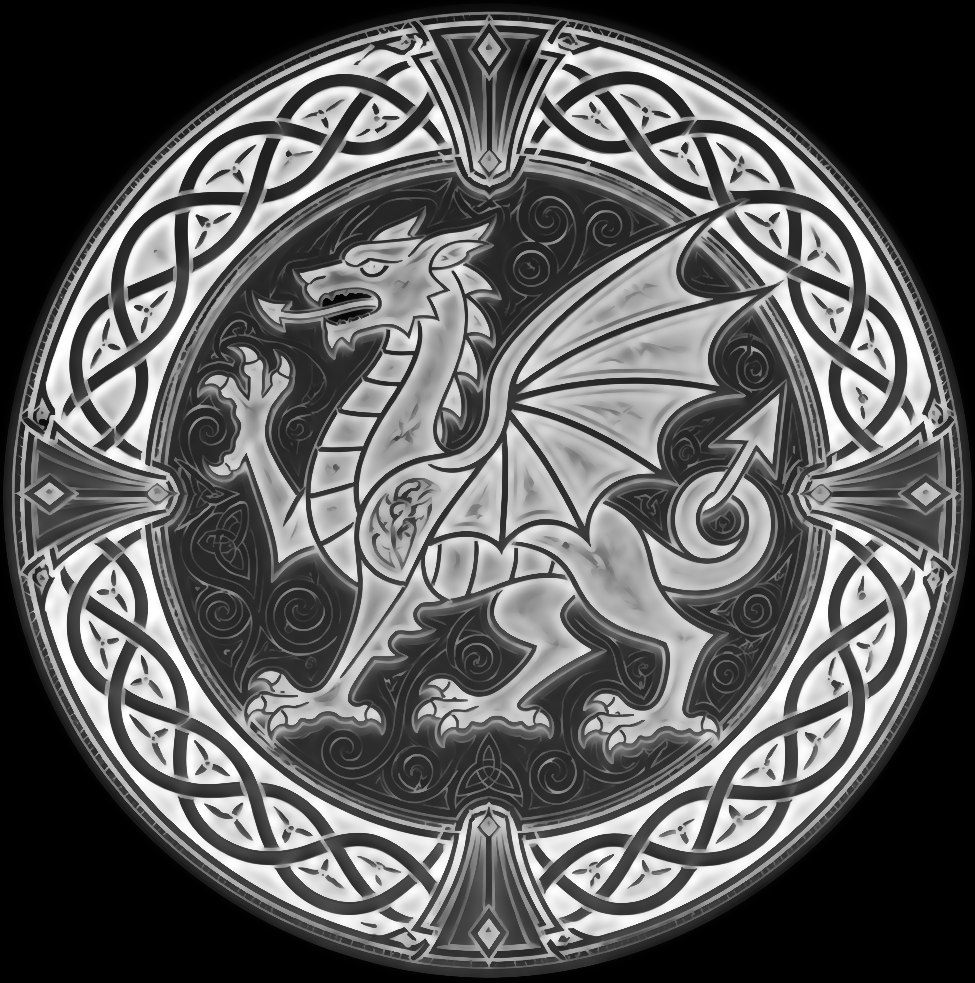
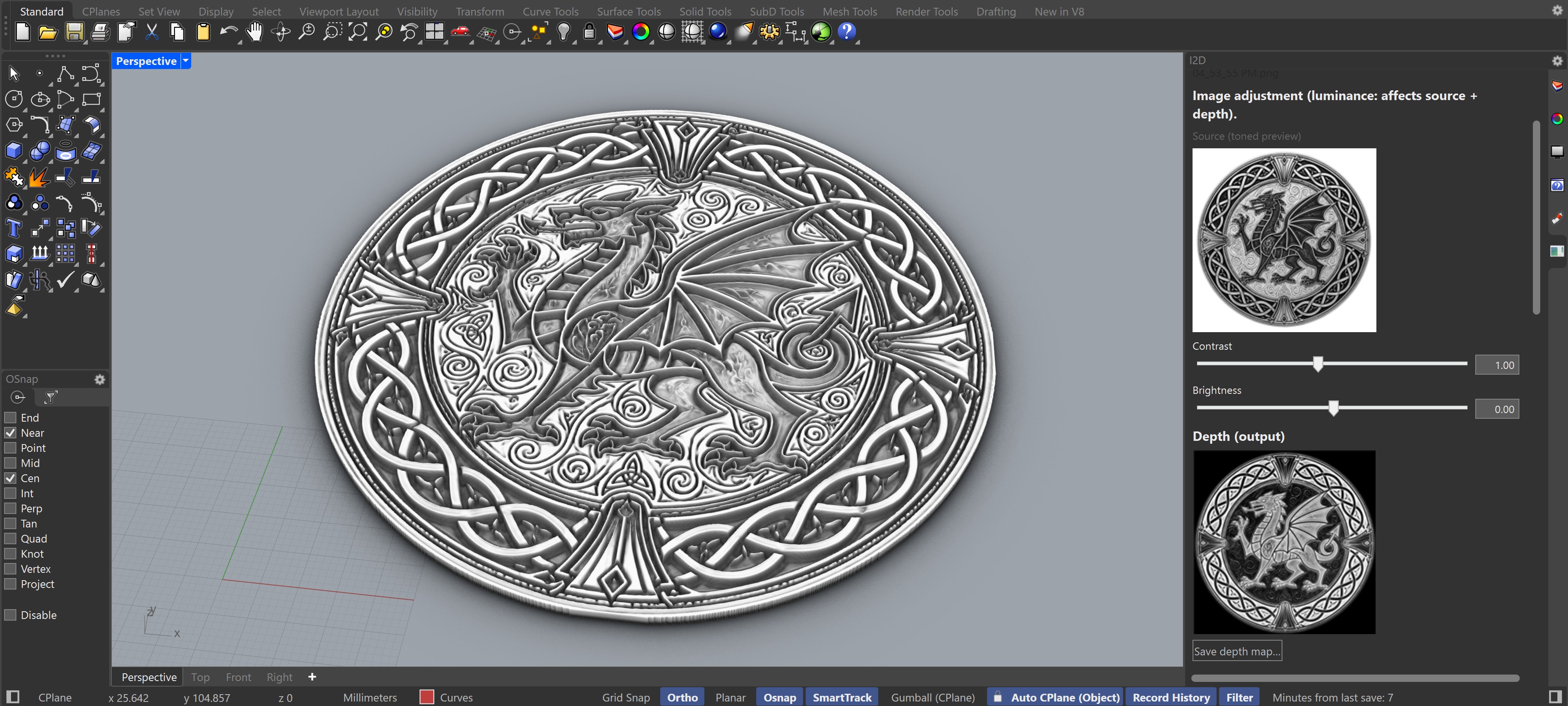
Built for relief work
I2D gives Rhino users a direct path from image input to editable mesh output without leaving the modeling environment.
Create flat heightfield meshes from photos, artwork, logos, or grayscale height maps.
Use bas-relief shaping, gamma, edge detail, Laplace detail, and depth curves to tune form and surface texture.
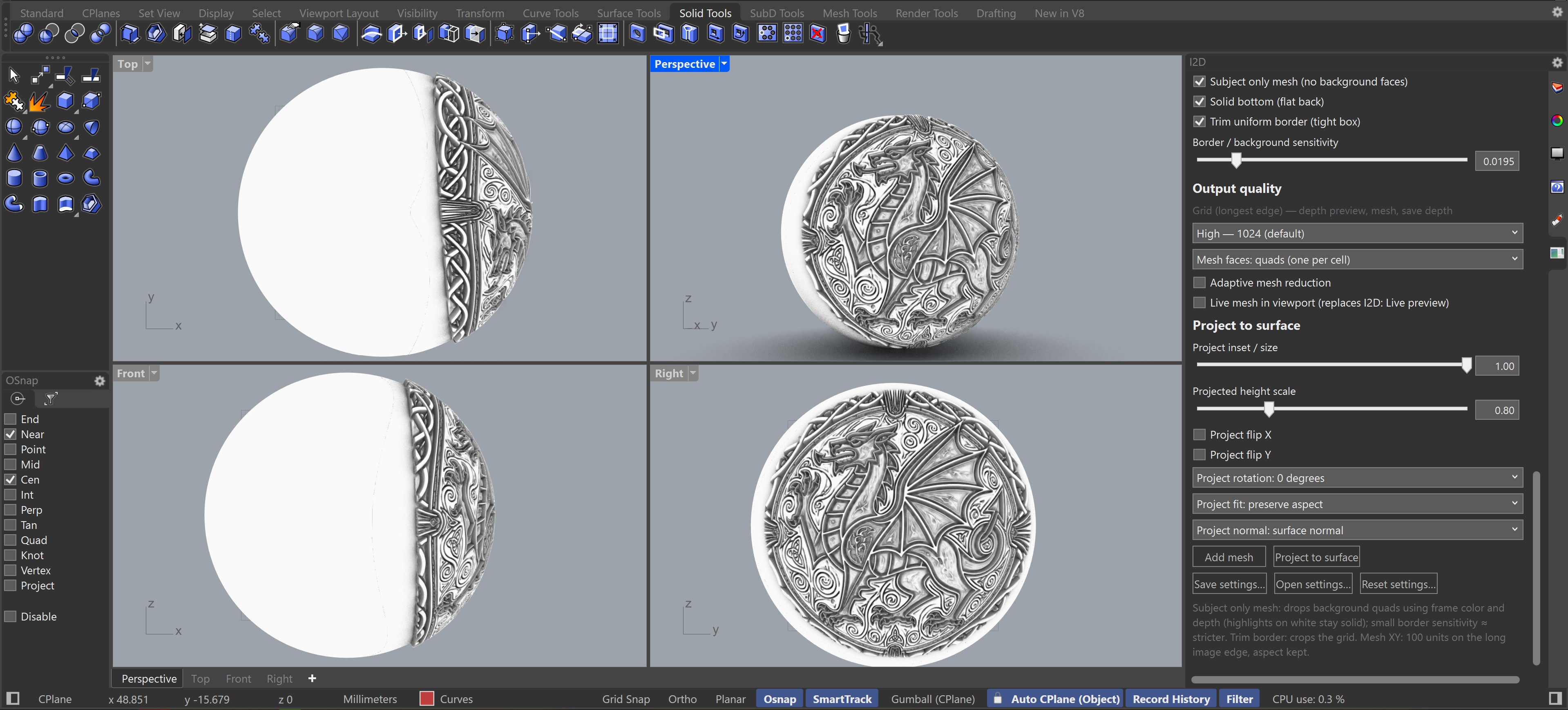
Map reliefs onto selected surfaces, polysurface faces, or meshes with controls for inset, rotation, fit, and normal direction.
Add a solid bottom, trim uniform borders, isolate subjects, and reduce mesh density for practical fabrication.
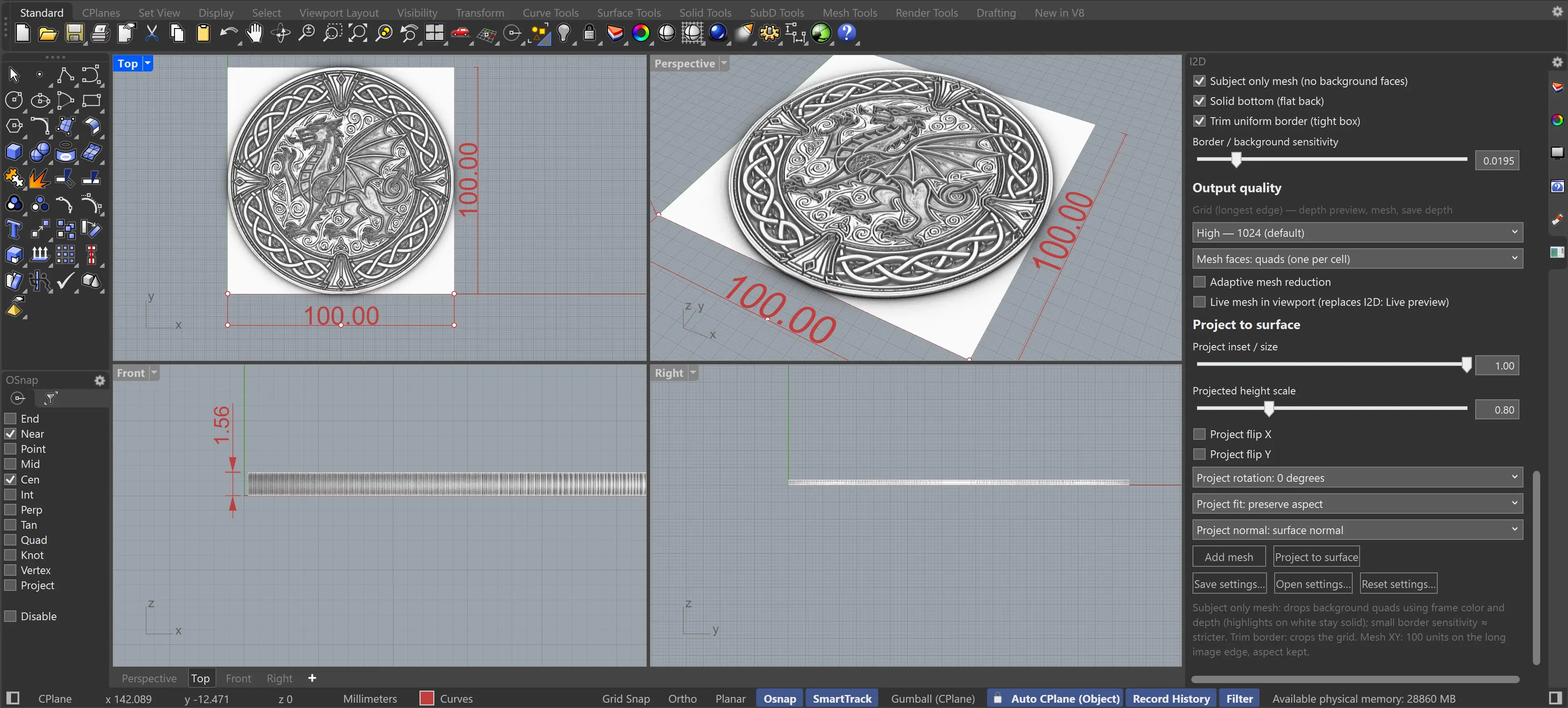
Quick start
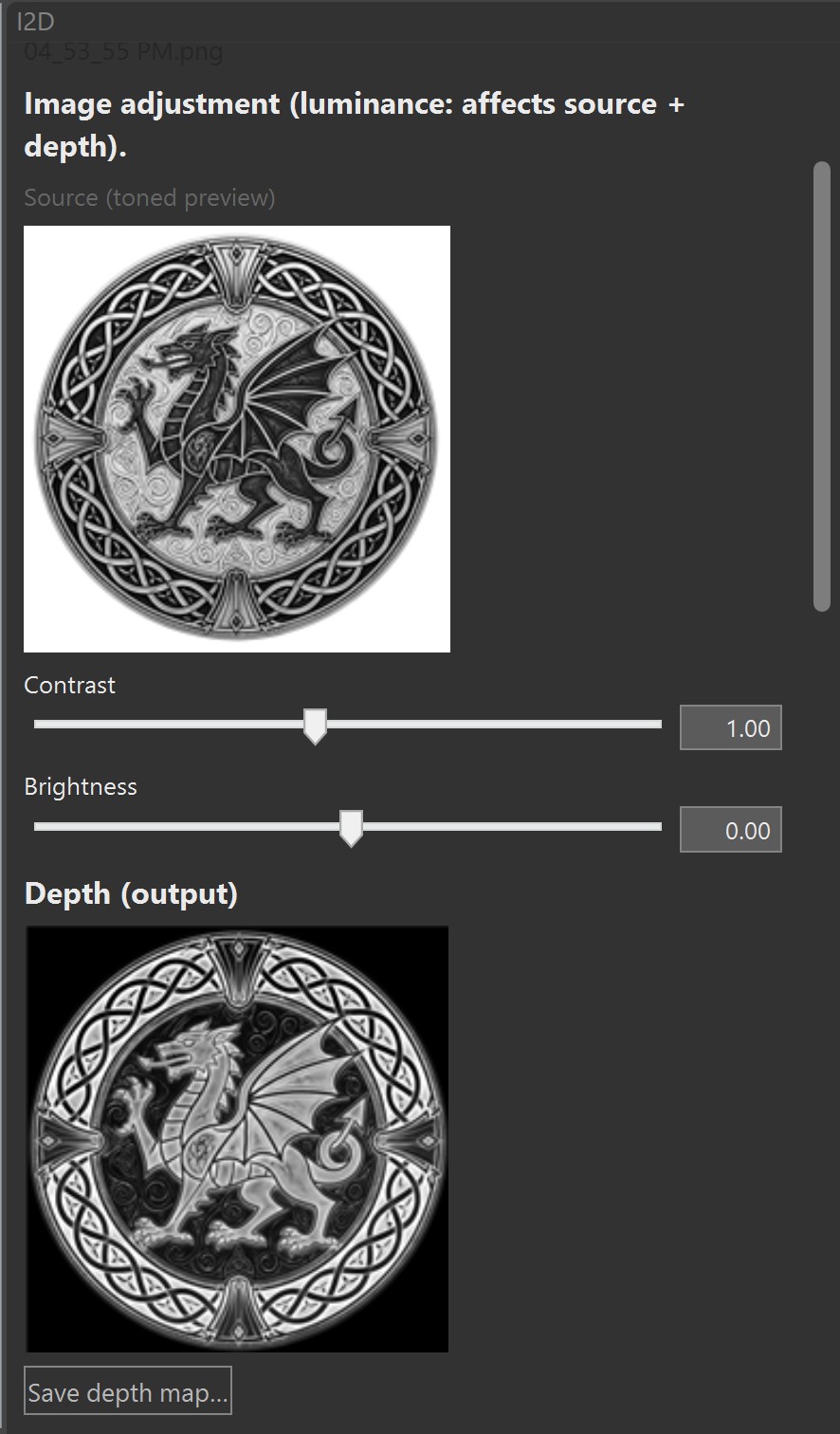
The main command is I2DOpenPanel. Load an image, watch the depth preview, then add a flat mesh or project the result to a Rhino target.
I2DOpenPanel opens the I2D panel
I2DResetSettings restores defaults
I2DHelp shows the built-in guide
Choose a normal image or mark it as a pre-made depth / height map.
Adjust luminance, relief shaping, edge detail, depth direction, and target scale.
Add a flat relief mesh or project the mesh onto selected Rhino geometry.
Project to surface
Fill a target area, preserve or stretch aspect ratio, flip axes, rotate the layout, and choose the surface normal that controls relief direction.
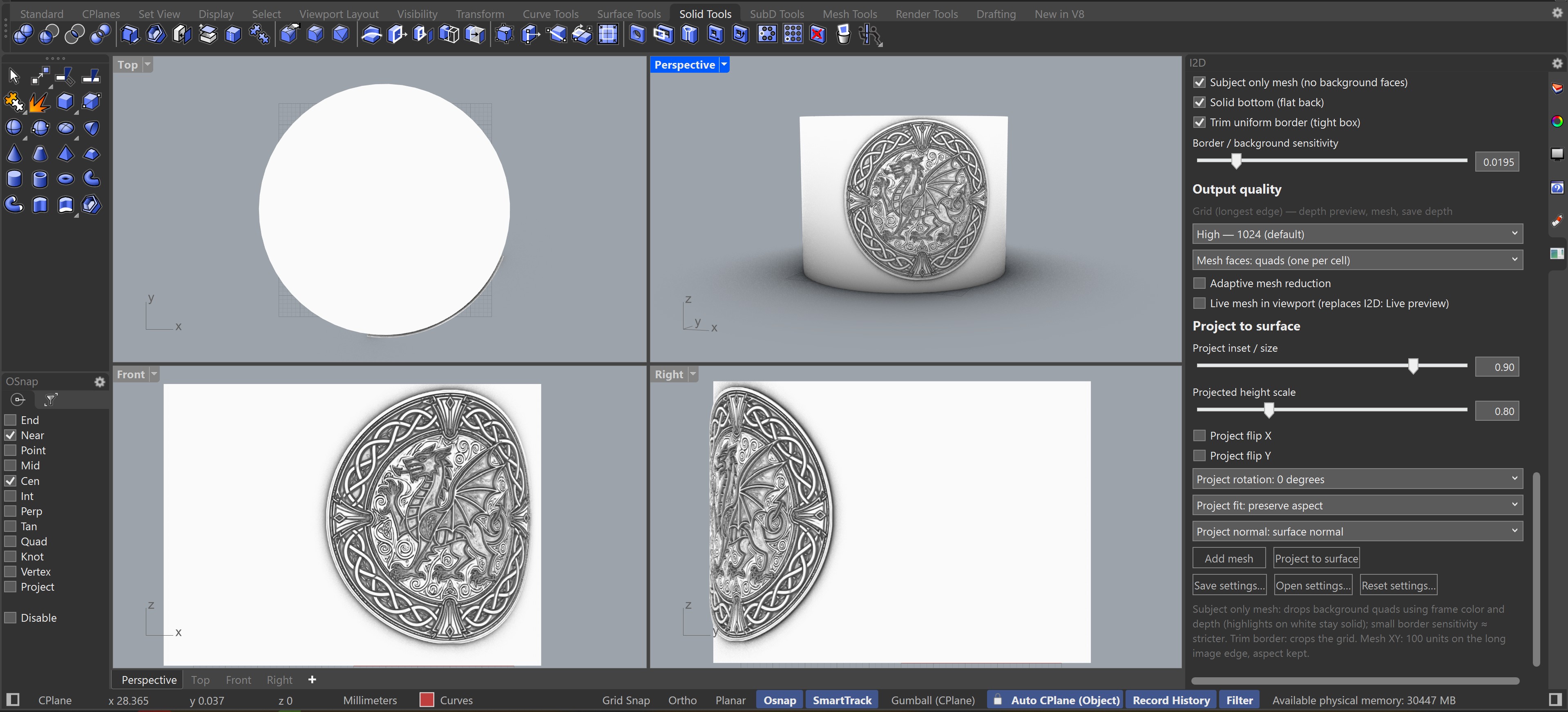
Control how much of the selected surface area is filled. Suggested start: 0.94.
Scale relief height after projection while keeping the source depth work intact.
Preserve aspect, fill the target, rotate in 90-degree steps, or mirror in X and Y.
Starting points
Use these values as a fast baseline, then refine the depth preview for your source image and model units.
Start fast while tuning, then increase resolution for final meshes.
Triangles are the most robust output. Quads lower the face count but can become non-planar on detailed reliefs.
Reduce face count after building, especially useful for High and Ultra quality meshes.
Free download for Rhino 8
The full version of I2D with no feature limitations, no trial period, and no demo restrictions. Install directly into the Rhino 8 plug-ins folder.
For Windows x64 with Rhino 8. This is the complete plugin — no demo limitations.
Download free pluginNeed more detail, quality and performance?
If you work with large images or need more detail, quality and performance, the GPU-accelerated version offers dramatically better depth generation and mesh building.
Learn about I2D GPU PluginContact
Email the I2D plugin team for support and product feedback.
i2dplugin@gmail.com