Generate relief meshes
Create geometric heightfield meshes from photos, artwork, logos, or grayscale height maps — now with GPU-accelerated processing.
GPU-powered image-to-depth relief mesh generation for Rhino 8
I2D GPU Plugin delivers everything in the free I2D Plugin, supercharged with GPU-accelerated processing. Dramatically better depth generation and mesh building for large images and ultra-high-quality outputs. Built for production workflows.
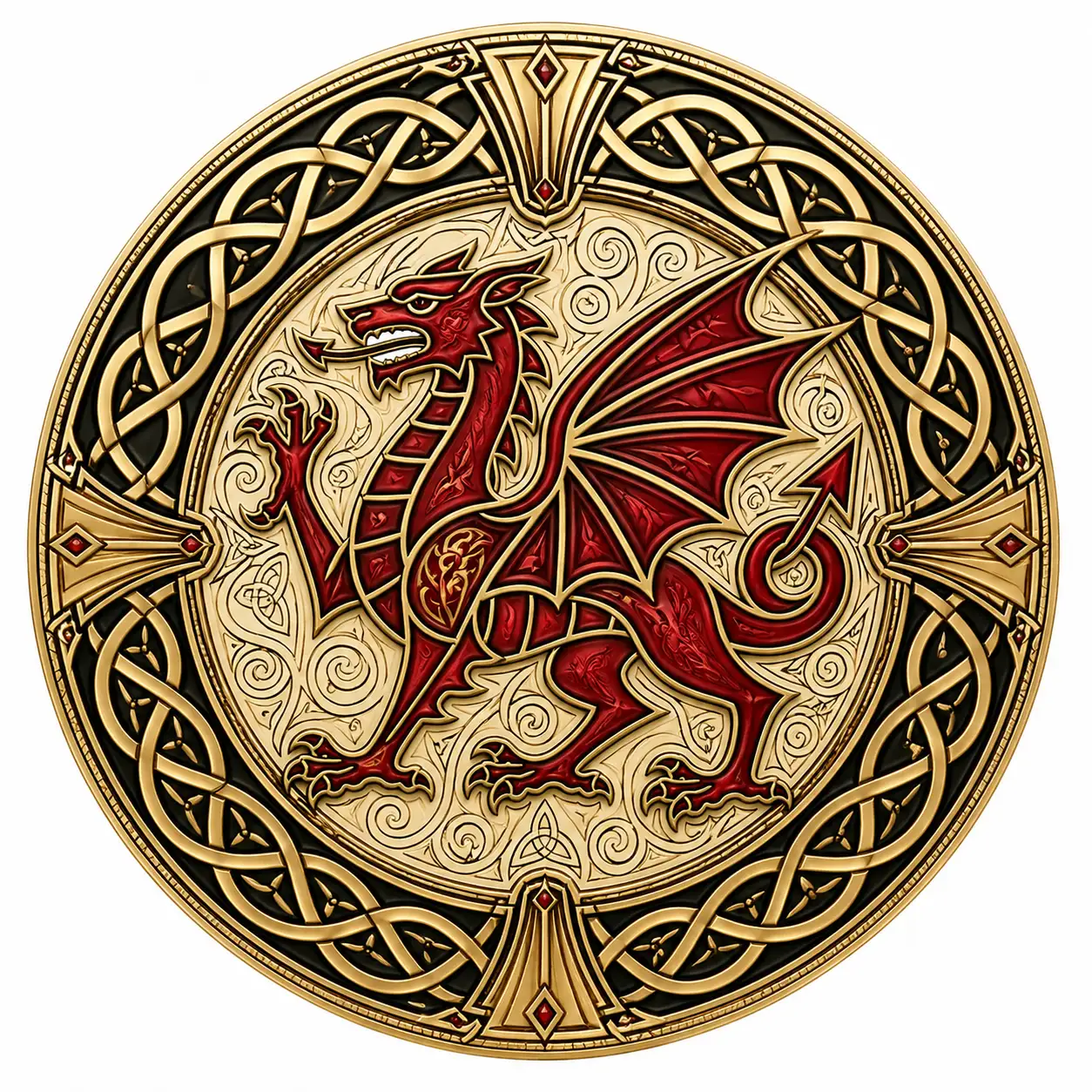
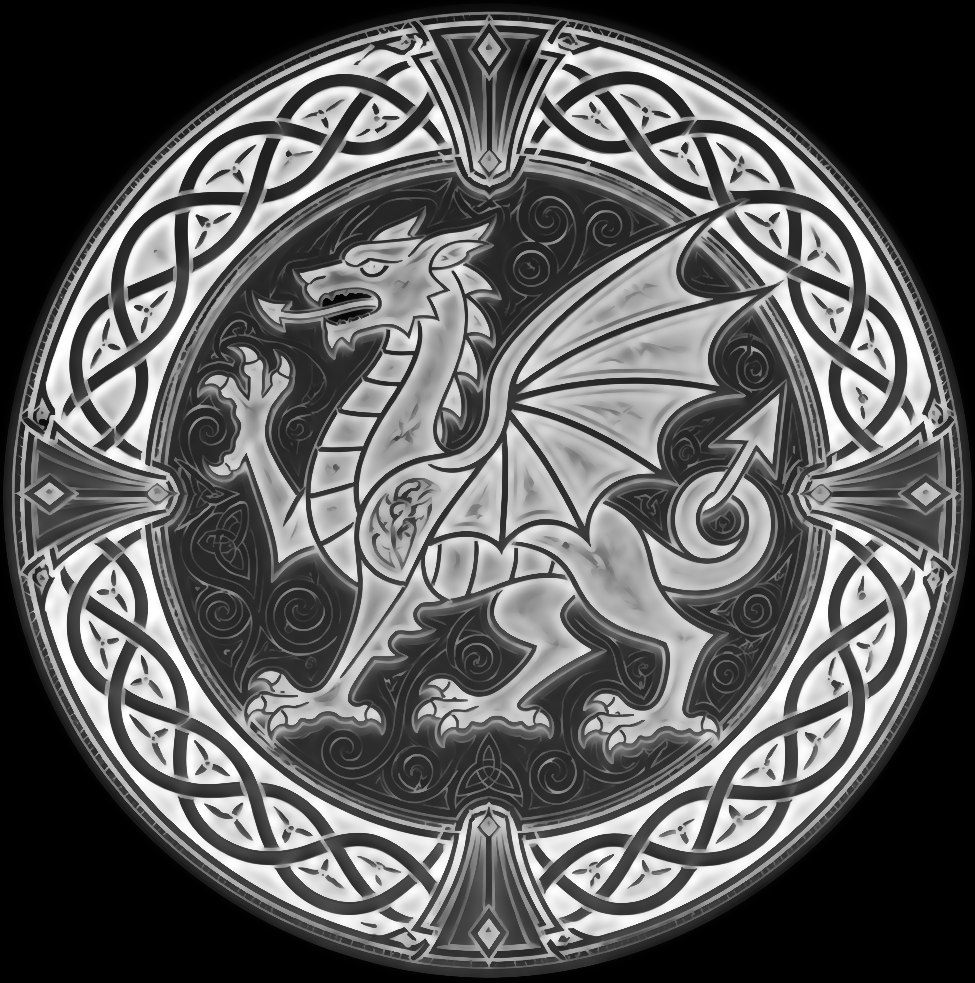
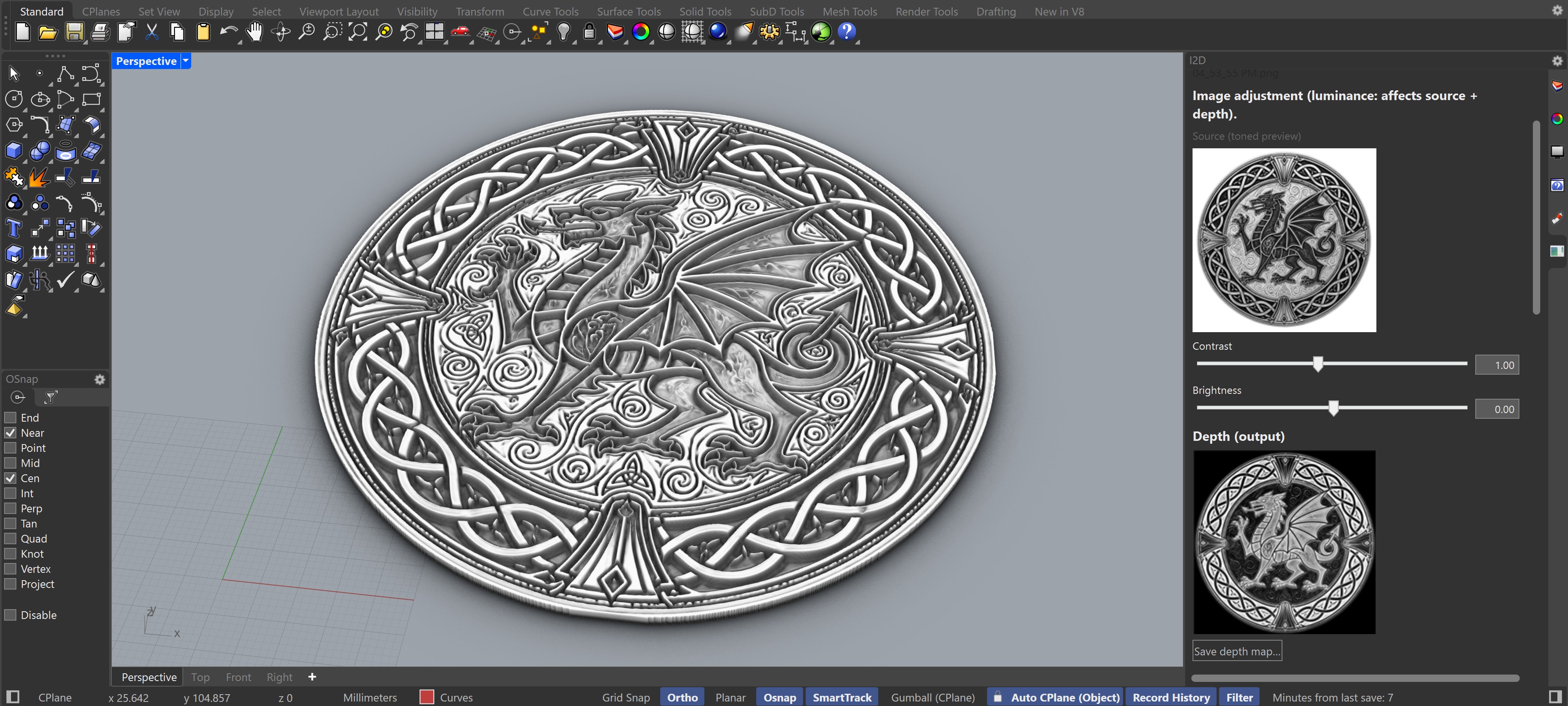
GPU-accelerated relief work
I2D GPU Plugin includes every feature of the free I2D Plugin, with the addition of CUDA-accelerated depth generation and mesh building for dramatically better detail, quality, geometry, performance and processing.
Create geometric heightfield meshes from photos, artwork, logos, or grayscale height maps — now with GPU-accelerated processing.
Use bas-relief shaping, gamma, edge detail, Laplace detail, and depth curves plus there's more options in Advanced GPU settings to tune form and surface texture.
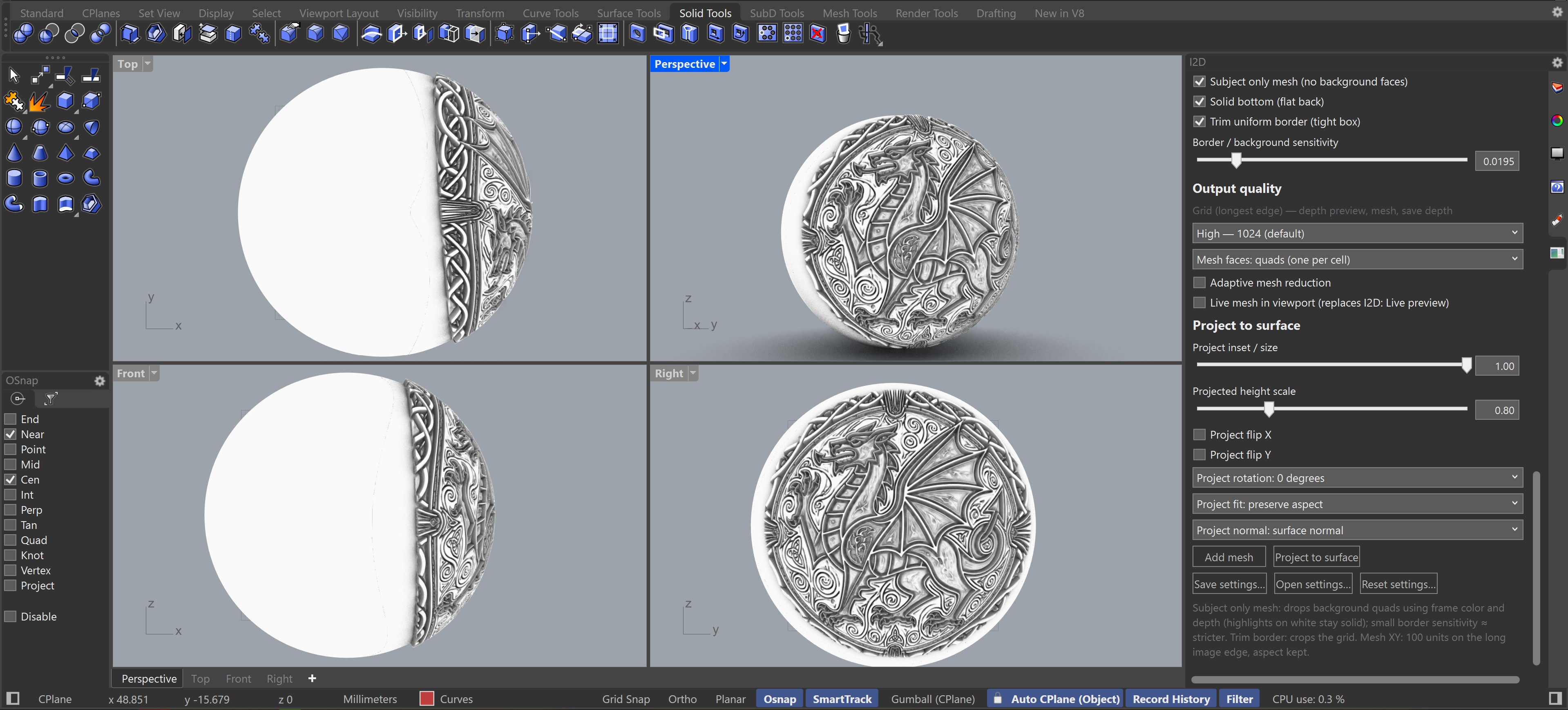
Map reliefs onto selected surfaces, polysurface faces, or meshes with controls for inset, rotation, fit, and normal direction.
CUDA-based depth generation and mesh building for dramatically better detail, quality, geometry, performance and processing on large images and Ultra quality outputs.
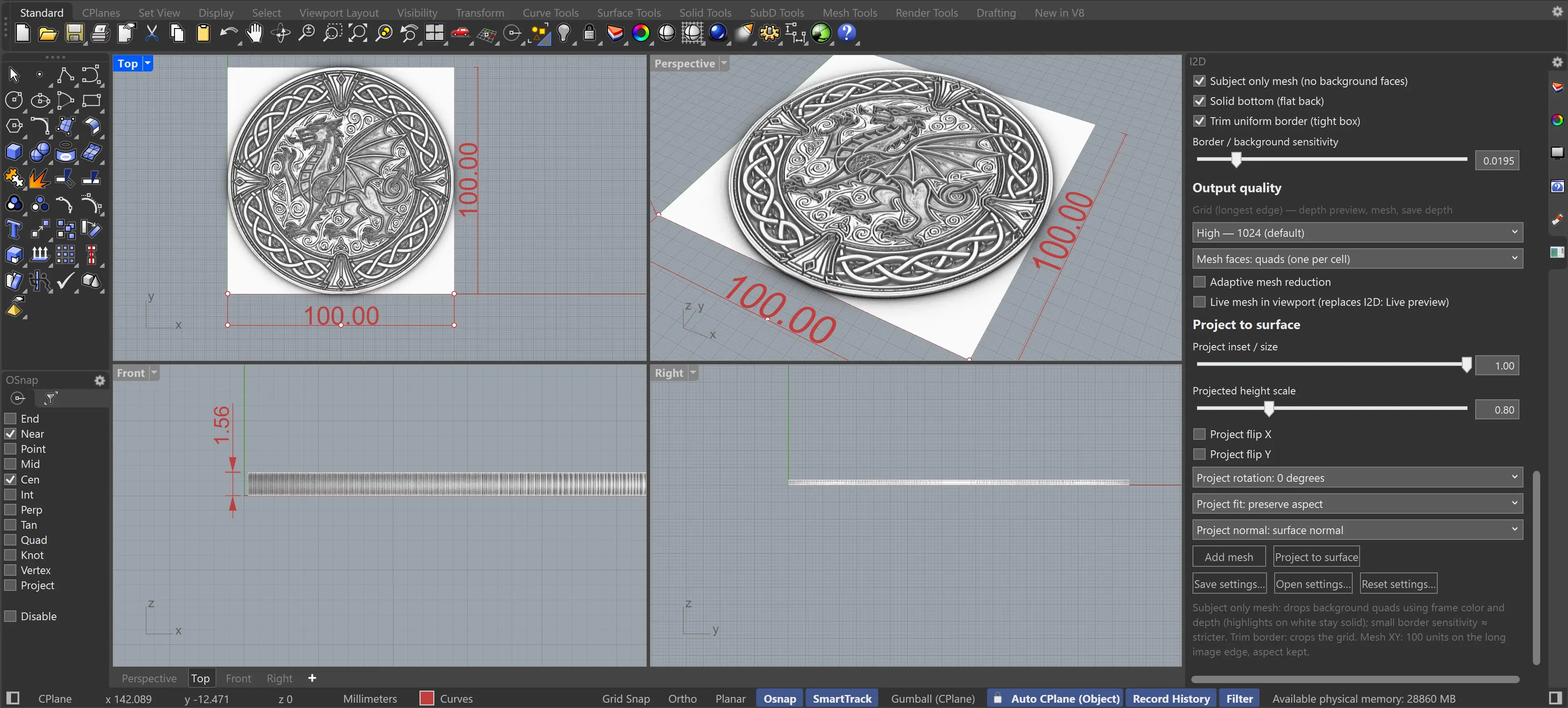
Quick start
The main command is
I2DGPUOpenPanel. Load an image, watch the depth preview, then
add a flat mesh or project the result to a Rhino
target — now with GPU acceleration.
I2DGPUOpenPanel
opens the I2D GPU panel
I2DGPUResetSettings
restores defaults
I2DGPUHelp
shows the built-in guide
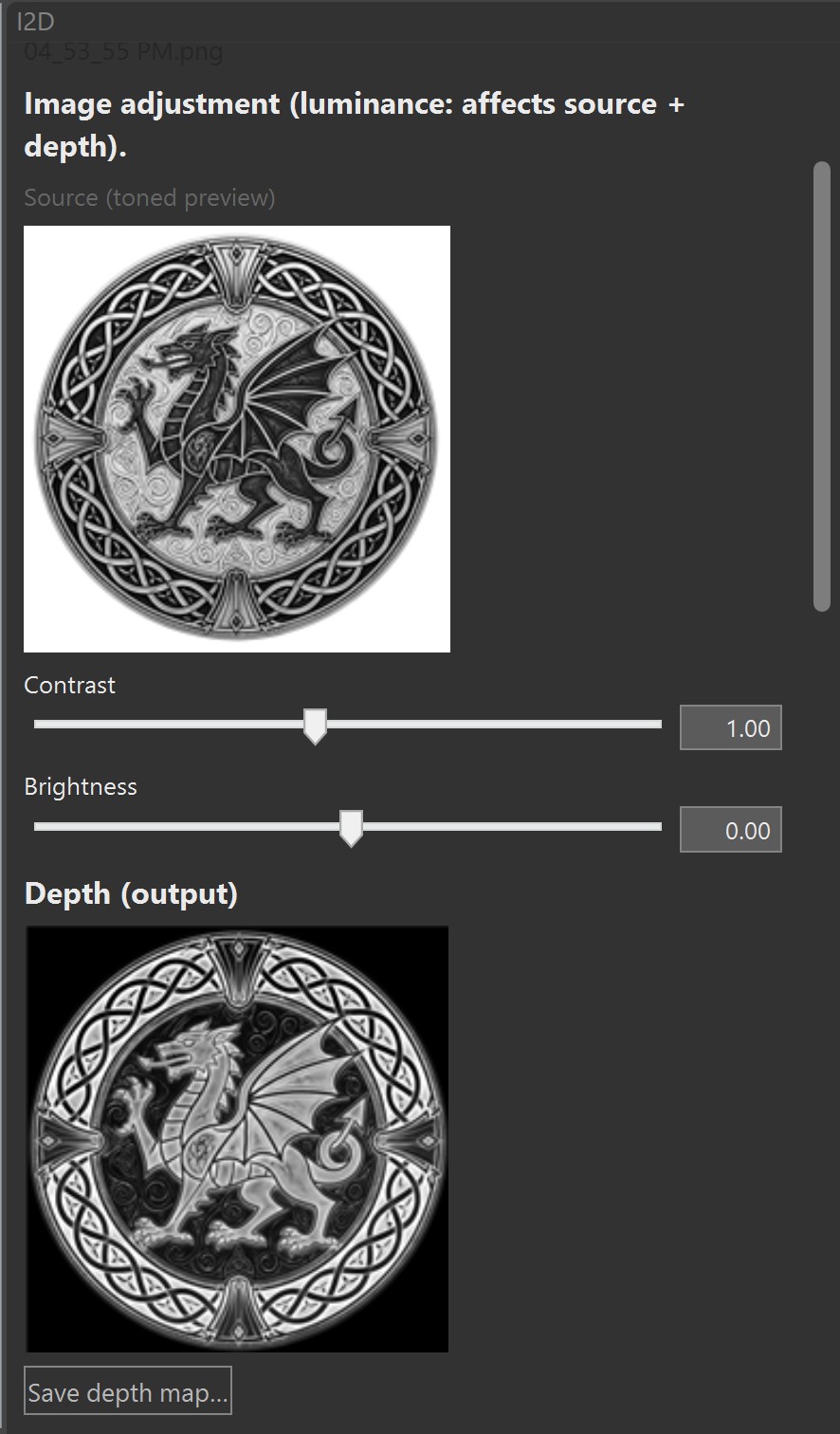
Choose a normal image or mark it as a pre-made depth / height map.
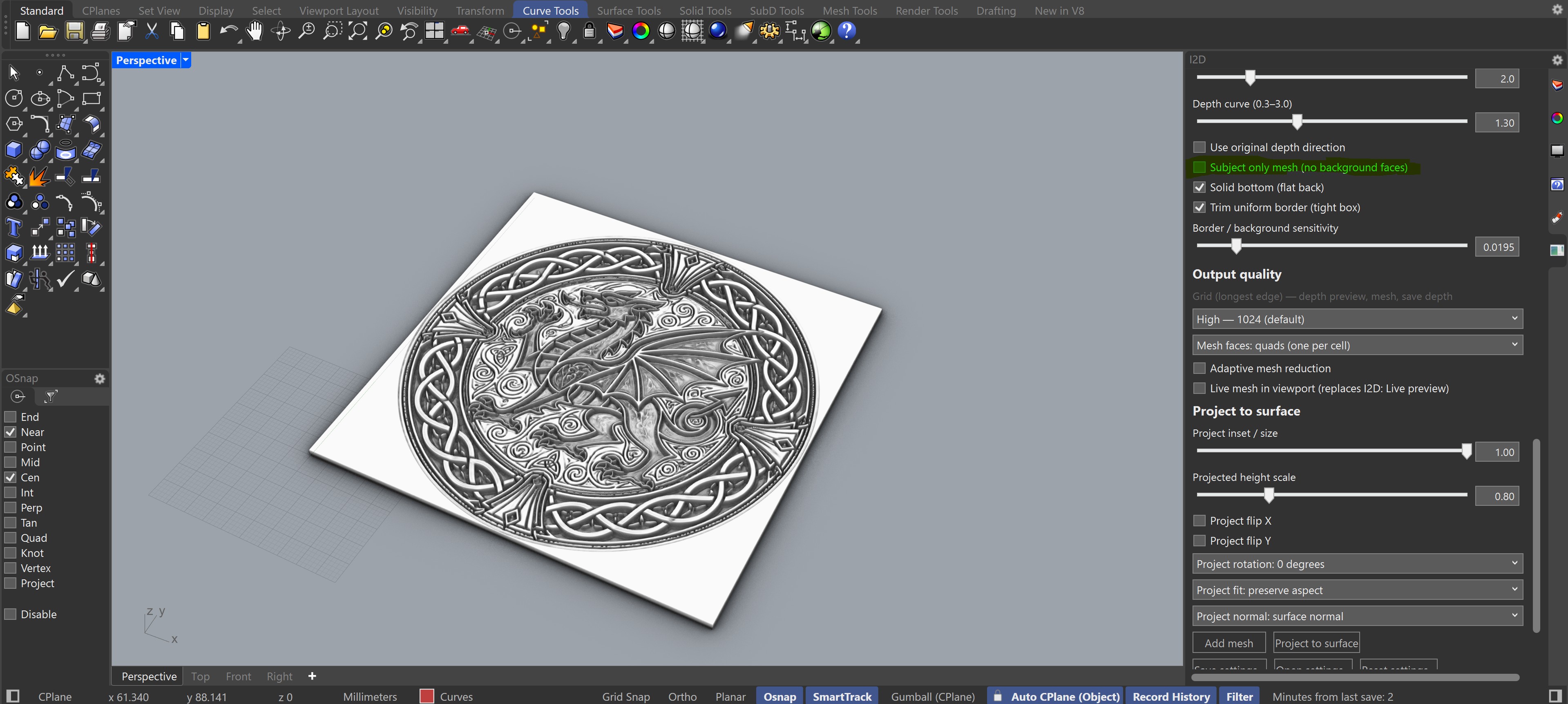
Adjust luminance, relief shaping, edge detail, depth direction, and target scale — with real-time GPU-accelerated preview.
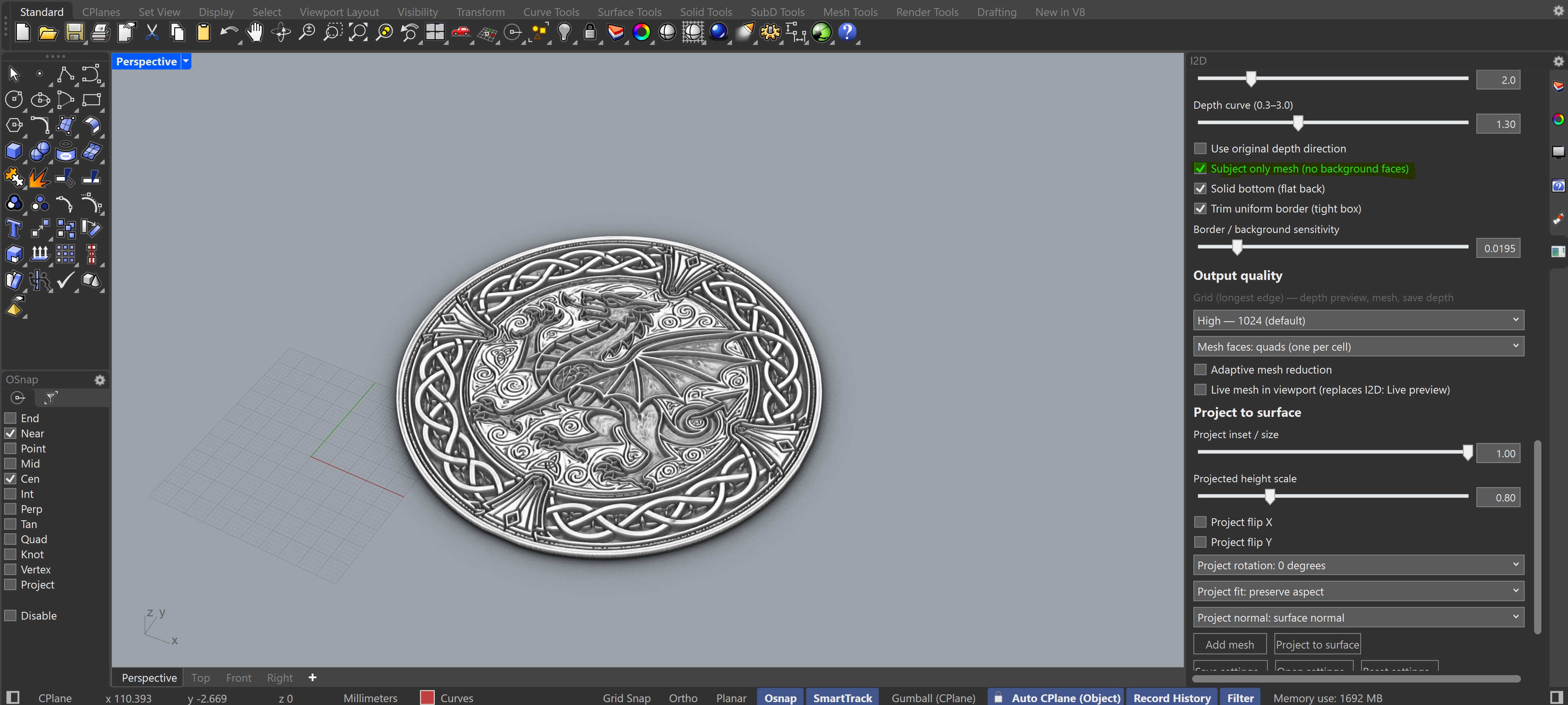
Add a flat relief mesh or project the mesh onto selected Rhino geometry — dramatically faster at High and Ultra quality.
Project to surface
Fill a target area, preserve or stretch aspect ratio, flip axes, rotate the layout, and choose the surface normal that controls relief direction.
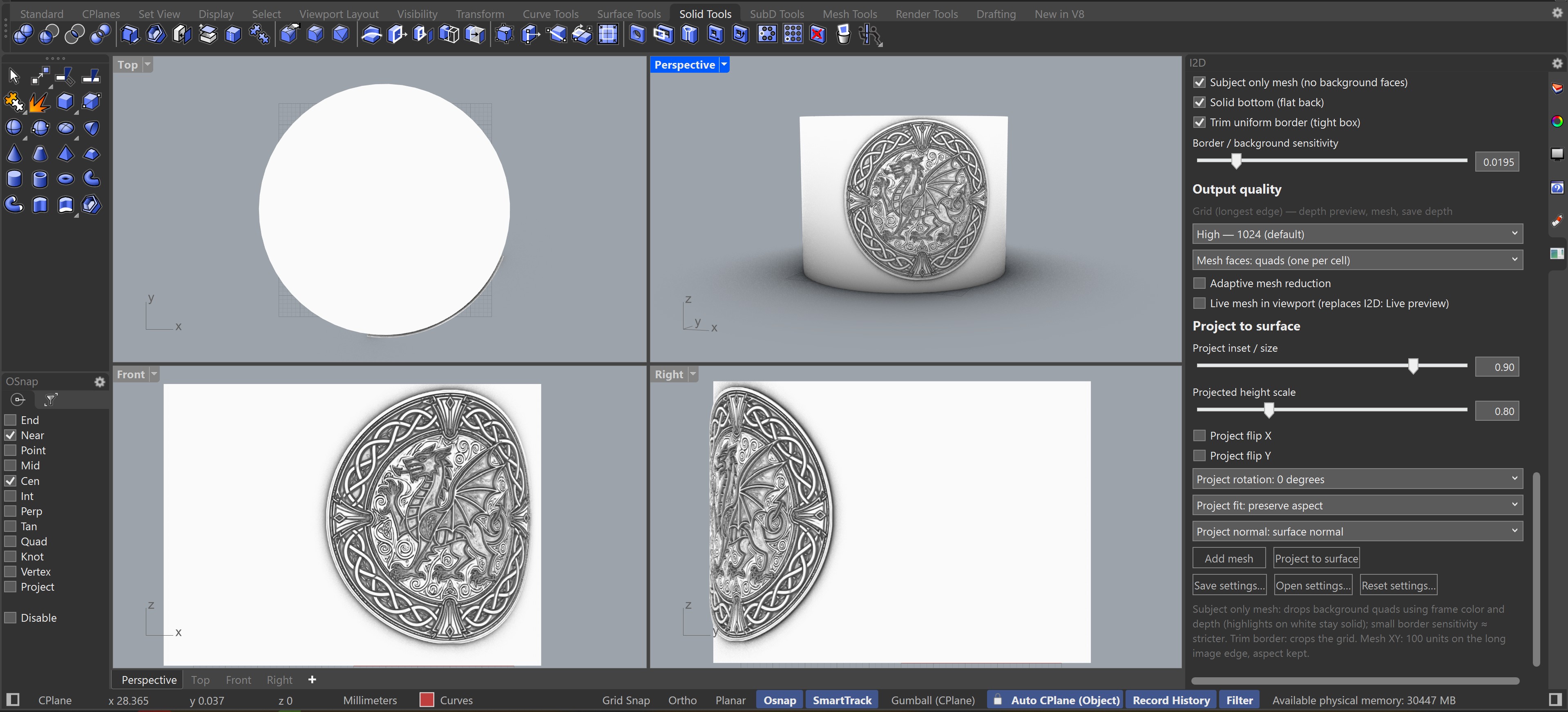
Control how much of the selected surface area is filled. Suggested start: 0.94.
Scale relief height after projection while keeping the source depth work intact.
Preserve aspect, fill the target, rotate in 90-degree steps, or mirror in X and Y.
Starting points
Presets are included.
To get started, I would use 'My favourite V2 softer for most images 4mm' and tweak from there.
presets included -
Classical Meuseum Paintings 6mm vits auto
Coin 2.5mm vits auto
Medallion 10mm vits auto
Hight detail
Photo's real people 8mm - more detail
Photo's of real people
Portraits of people
Classic paintings
Gray portraits 6mm
Medalion 3.5mm
Medalion - subject only
My favourite V2 softer for most images 4mm
My favourite for most images 4mm
Black subject darker shades of gray on white 4mm
Black subject shades of gray on white 4mm
Stencil_line_work_pattern_B and W or colour 4mm
B and W images alternate V1
Wood Panel Style Relief V2
Tatoo style coloured images 4mm
Wood Panel Style Relief
Graystone relief images
Neo-woodcut comic illustrations
Super detailed for most images 6mm
Rich colours detailed smooth images 4mm
Light brown relief image medalion 4mm
Clay carved relief images 4mm
AI Light pencilor linedraw soft images 6mm
AI generated black on white 4mm
Black on white or Pencil images 6mm
Dark shaded coins _ medalions 2.5mm
Extremely smooth detailed wood panel 4mm
Detailed semi-smooth wood panel 4mm
Ornamental with engraving on dark background
Medalion 6mm tile
High Gamma Lower CLAHE Clipping Subject Only
High Gamma Subject Only
High Gamma
Medallion vitb auto 3.5mm
Esoteric Images vits auto 6mm
Start fast while tuning, then increase resolution for final meshes. GPU acceleration makes Ultra quality practical for production work.
Triangles are the most robust output. Quads lower the face count but can become non-planar on detailed reliefs.
Reduce face count after building, especially useful for High and Ultra quality meshes.
Buy
Single user license. GPU-accelerated depth generation and mesh building. Priority support. No demo available — see the free I2D Plugin to evaluate the workflow first.
No demo available. Try the free I2D Plugin first to confirm the workflow meets your needs.
Contact
Email the I2D plugin team for purchase questions, GPU compatibility, and product feedback.
i2dplugin@gmail.com