Depth
Adjust image tone, AI depth quality, edge detail and relief shaping. Export a 16-bit depth map when you need it.
IMAGE / DEPTH / RELIEF
Start with a photo, illustration or depth map. Shape the depth, build a mesh, and place it on your Rhino geometry.
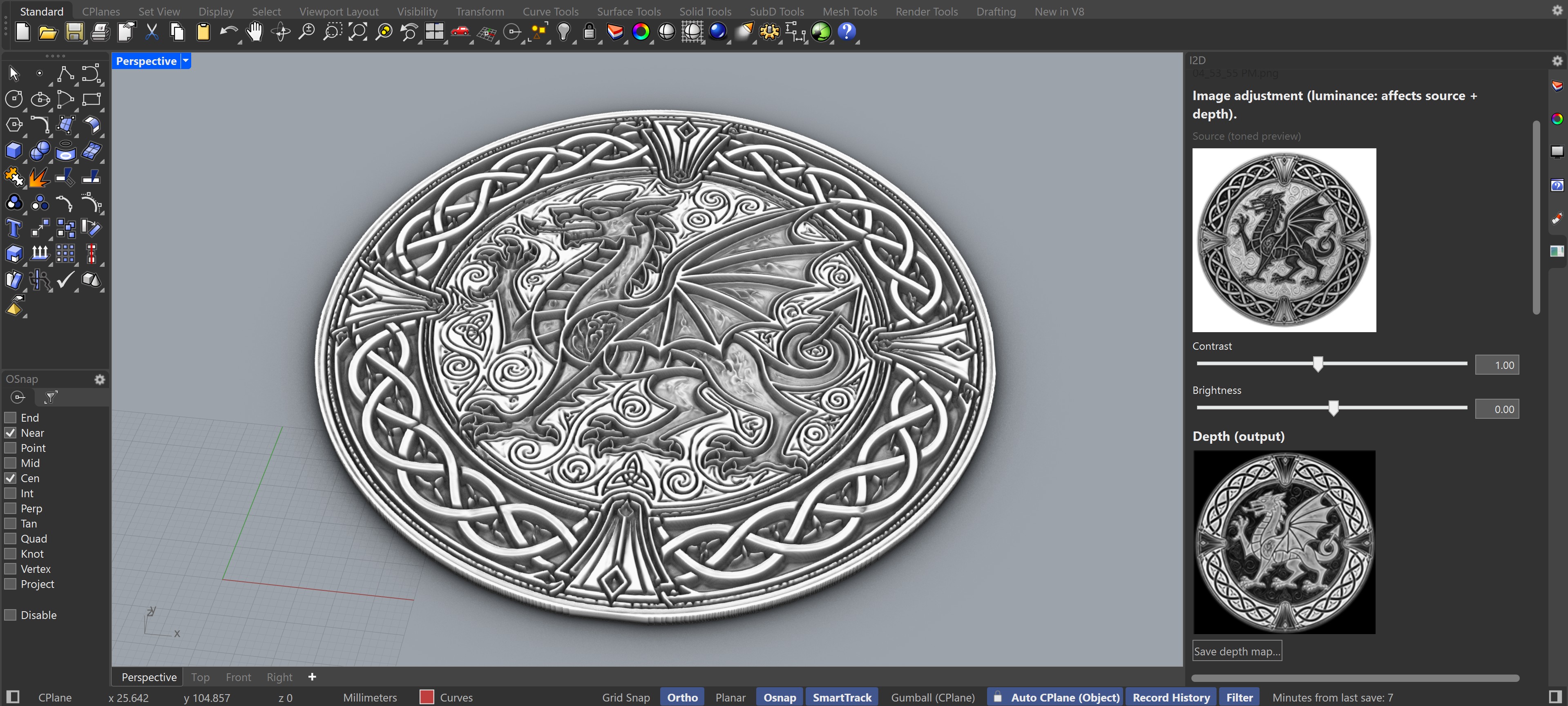
THE WORK
I2D GPU keeps the image, depth preview and final geometry in one Rhino workflow. You can tune the result before committing to a mesh.
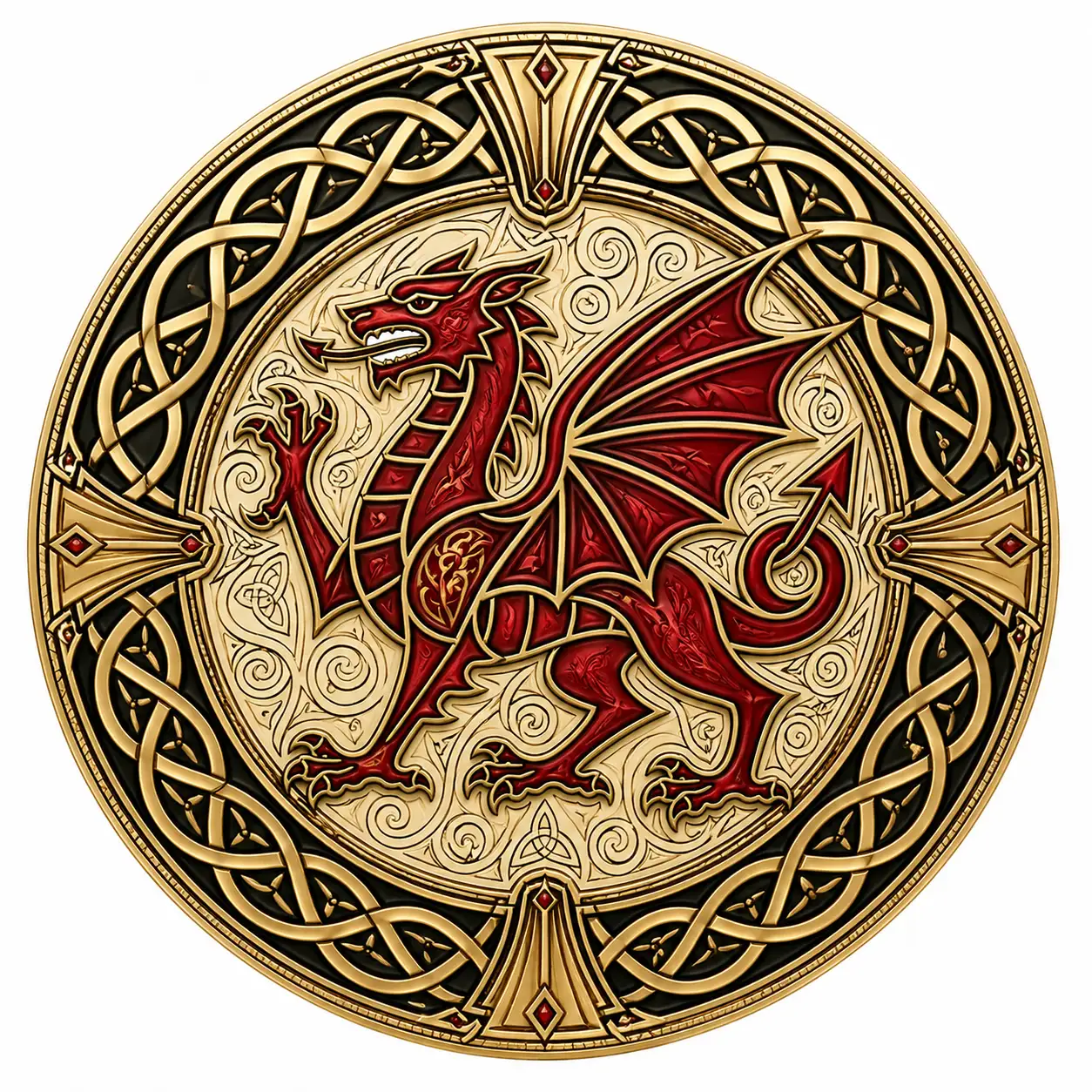
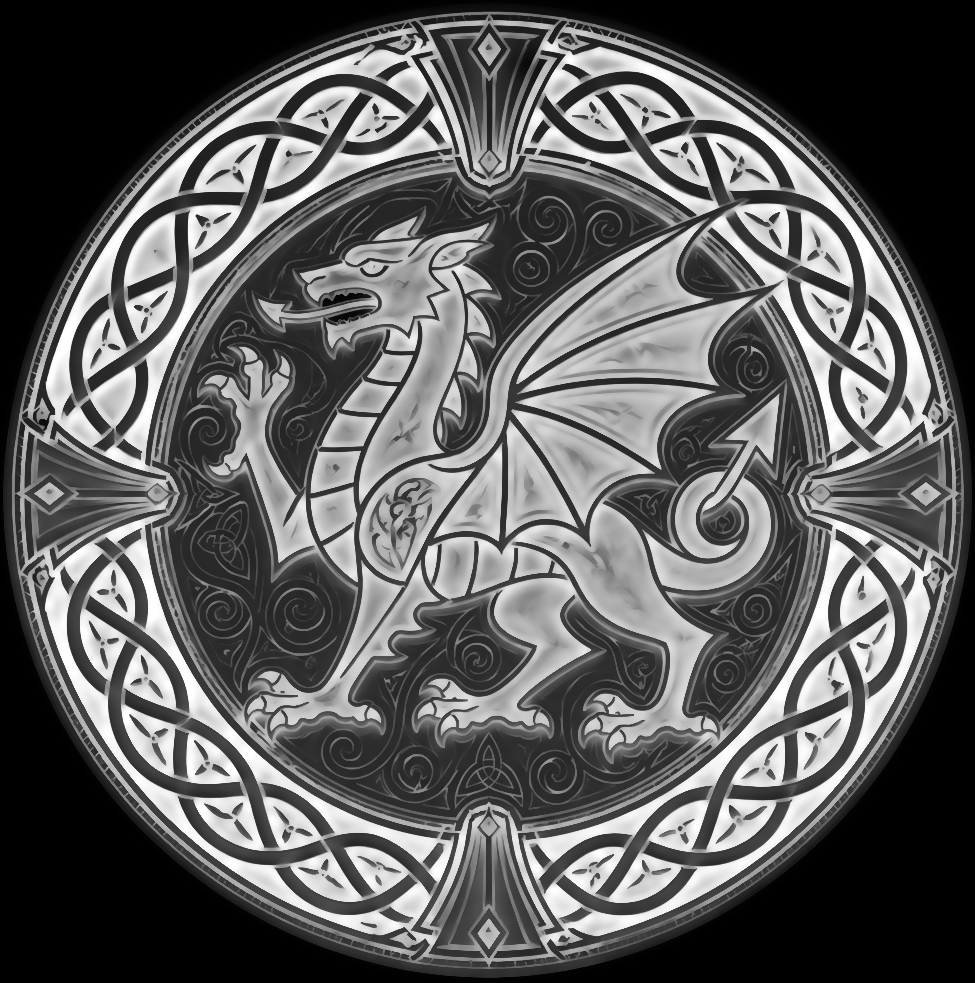
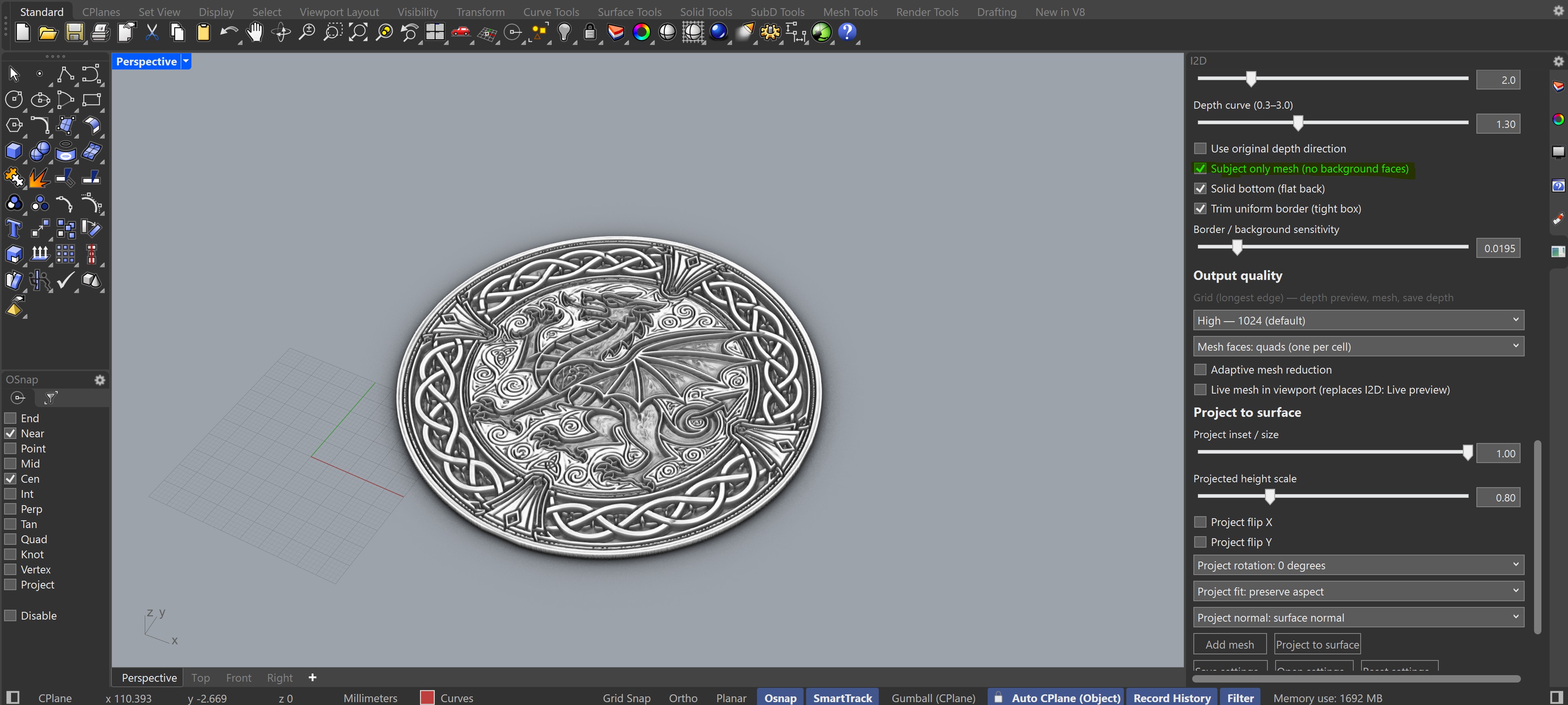
A DIRECT WORKFLOW
Open I2DGPUOpenPanel, choose an image, adjust the preview and build. Use the same depth work for a flat relief or project it onto a selected surface or mesh.
Photos, artwork and existing grayscale depth maps are supported.
Tune relief, detail, background and depth direction while watching the preview.
Add a flat mesh, or fit the relief to Rhino geometry.
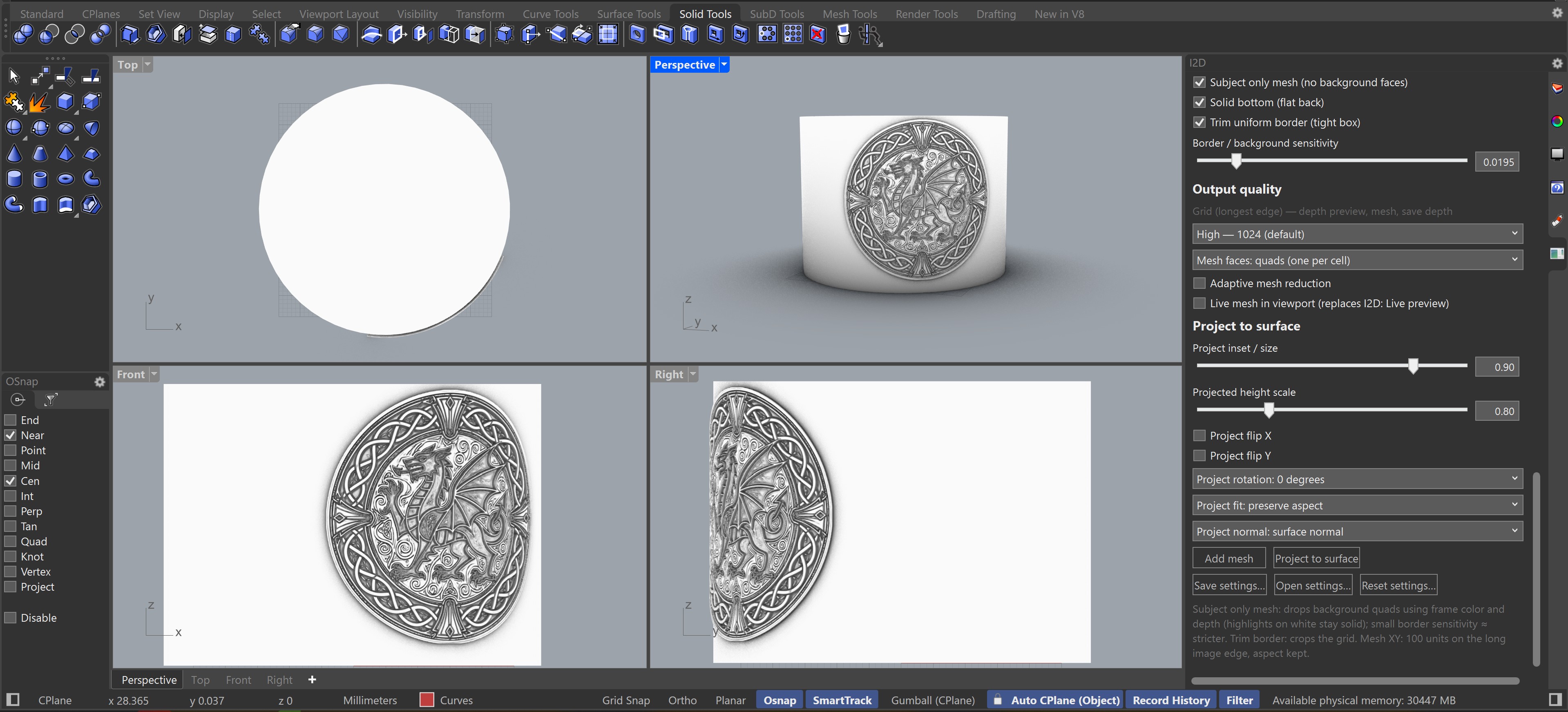
CONTROL WHERE IT COUNTS
Adjust image tone, AI depth quality, edge detail and relief shaping. Export a 16-bit depth map when you need it.
Choose Draft, Standard, High or Ultra output grids. Trim borders, isolate a subject, add a solid bottom or reduce faces.
Fit a relief to surfaces or meshes with inset, rotation, mirroring, aspect and height controls.
Depth inference size and final mesh grid are separate controls. Larger settings take more GPU memory and build time.
VERSION 1.0.4
Shape the height mapping with seven editable points. Preview the relief without rerunning AI, then use the saved curve for meshes and depth exports.
Reduce mesh faces on the CPU within a maximum deviation in model units. The original mesh is kept if the reduced result cannot be verified within tolerance.
One animated bar identifies depth or mesh work and shows completion, cancellation or failure.
Transparent cutouts and small foreground details are now preserved through masking, cropping and resolution reduction.
STARTING POINTS
Version 1.0.4 includes six Balanced Relief presets. Start with BR_Universal, or choose a preset for your image type, then refine the preview for your image and model units. Your own presets are left in place during installation.
Names below match the installed preset files.
15-DAY TRIAL
Install I2D GPU, open the Licensing section in Rhino and choose Get trial license. No payment details are needed to start.
Download for Rhino 8Windows x64 · Rhino 8 · NVIDIA CUDA GPUFree for 15 days
The trial is tied to this machine and starts when issued.
Rhino checks the trial time online daily. A successful check allows up to 24 hours offline.
Existing full licenses continue to work with this release.
USER GUIDES
Download the updated 1.0.4 guides. These PDFs are in English and are also included in the installer.
FULL LICENSE
A full license is $80 for one user. Purchases are handled by email and PayPal while online checkout is being prepared. The Licensing section shows your hardware ID and has a Copy button to make the request easier.
Email to buy a license